
Workspace & Preview
dsh-web-preview
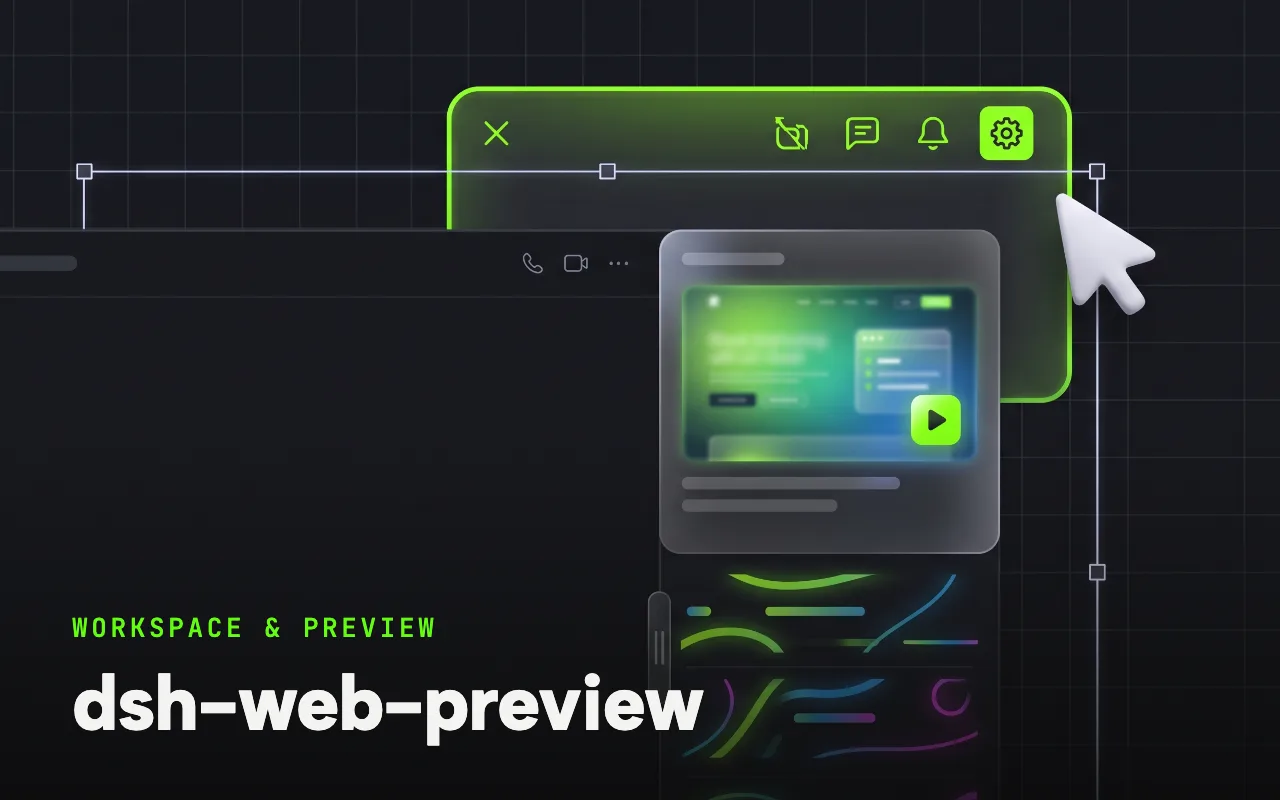
A glass side panel that previews the workspace, runs the project and annotates elements.
What it is
A side web-preview panel for the harness web UI: workspace files are served for preview — Markdown rendered, code with line numbers, images and HTML as-is — projects auto-detect their type (Cargo, package.json, go.mod, Python) and run with live logs, and a marking mode captures element annotations back into the conversation.
DeepSeek Harness(DSH)侧边网页预览面板 —— 一个标准 Cordis 插件包(Host + Client 双半),把工作区目录托管成 iframe 预览,并支持项目运行、元素标记批注与链接点击接管。
Why it matters for design
- The prototype the agent just wrote opens beside the chat, with the address bar synced and the panel width draggable.
- Marking mode hover-highlights elements, captures a selector and HTML snapshot, and sends your note to the conversation.
- Links, file paths and dropped files all open in the panel, so review never leaves the session.
What it covers
- 功能
- 安装
- 开发
- 协议
How to install
dsh-web-preview
-
Run this in a terminal.
cd ~/.dsh/profiles/web && npm install dsh-web-preview-panel -
Restart dsh web so it picks up the plugin.
-
Then describe the design you want. The harness picks up the plugin’s tools.
How to run it with DeepSeek Harness
-
Install the package into your web profile directory, then mount it by adding an insert entry named dsh-web-preview-panel to that profile’s cordis.patch.yml.
-
Restart dsh web and open the ▶ preview button at the top right of the conversation.
-
Run the project from the panel, annotate elements, and send logs or notes straight to the agent.
Every plugin here is free to install and links to its real upstream source.
More in the DeepSeek Harness repo ↗More DeepSeek Harness design plugins
 Vision & Input What it does modlens Gives text-only DeepSeek models plug-in vision: paste a screenshot, get structured evidence.
  Vision & Input What it does dsh-vision-toolkit Ten vision tools for UI restoration, grounding and pixel-diff verification.
  Vision & Input What it does dsh-ui-spec Turns UI screenshots into implementation-grade specs: tokens, spacing scale, layout grid.
  Vision & Input What it does dsh-media-skills Free eyes and a free paintbrush: paste-image reading plus watermark-free image generation.
 Next step
Design with OpenDesign, without the setup
Install this plugin yourself, or run a whole curated design layer around DeepSeek Harness with OpenDesign. Bring your own key, own your output.